Fleet telematics for better day-to-day decisions
Fleet Tracker extends Fleet Starter with vehicle location, route history, geofences and alerts, plus driving style and fuel consumption data.

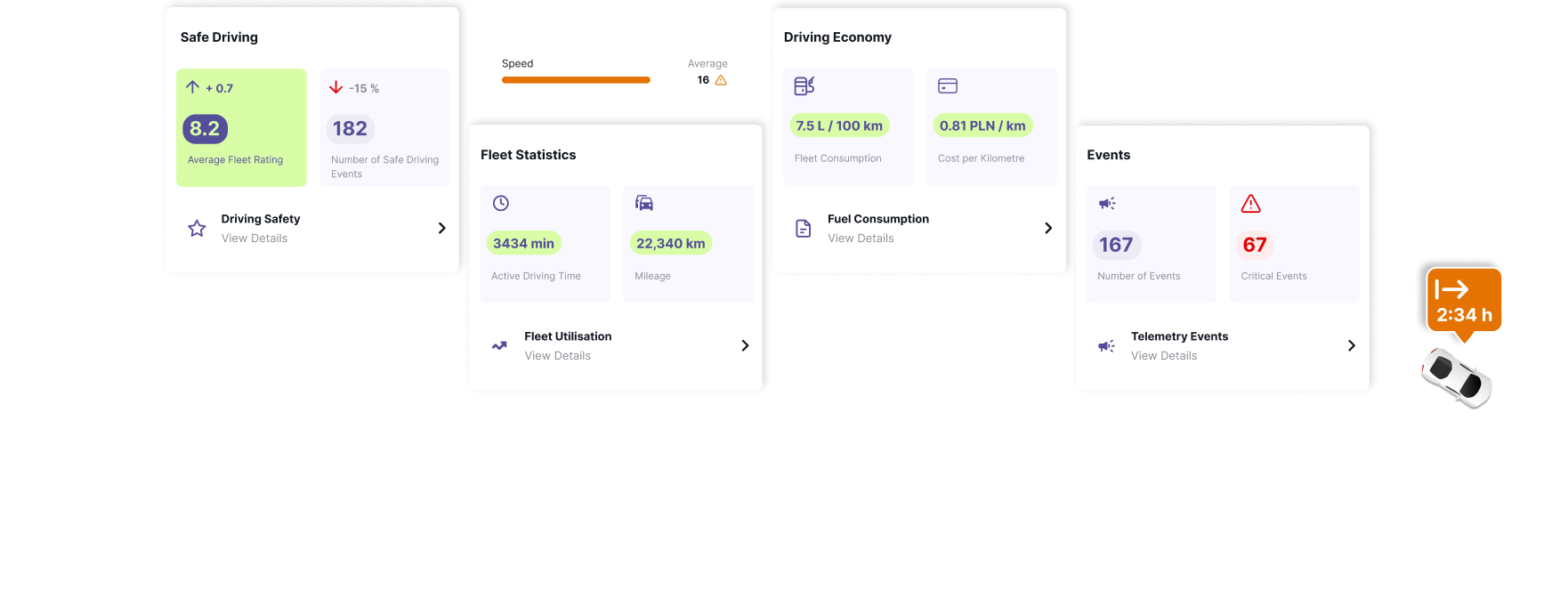
Fleet Tracker extends Fleet Starter with vehicle location, route history, geofences and alerts, plus driving style and fuel consumption data.

Current vehicle position and full trip history in a single fleet view.


Safety Score, harsh manoeuvres and speeding brought together into one result.

Review trips, distance, driving time and stops for selected vehicles and time periods.

Create custom areas on the map and receive notifications when vehicles enter or leave them, as well as for selected events.

Combine route and event data with information about vehicles, drivers and deadlines.
Fleet Starter keeps vehicles, drivers, documents, handovers and deadlines organized. Fleet Tracker adds vehicle location, route history, alerts and telematics analytics to these processes.
Fleet management

Fleet management with GPS monitoring and telematics


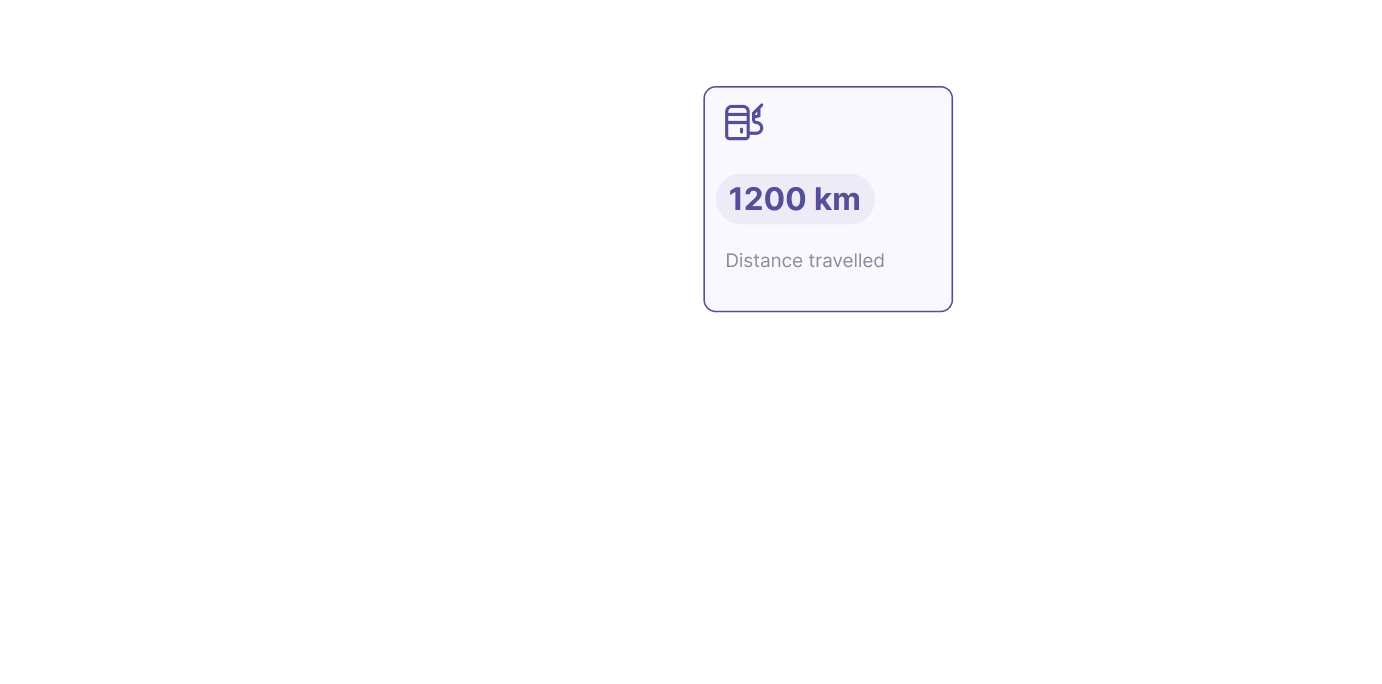
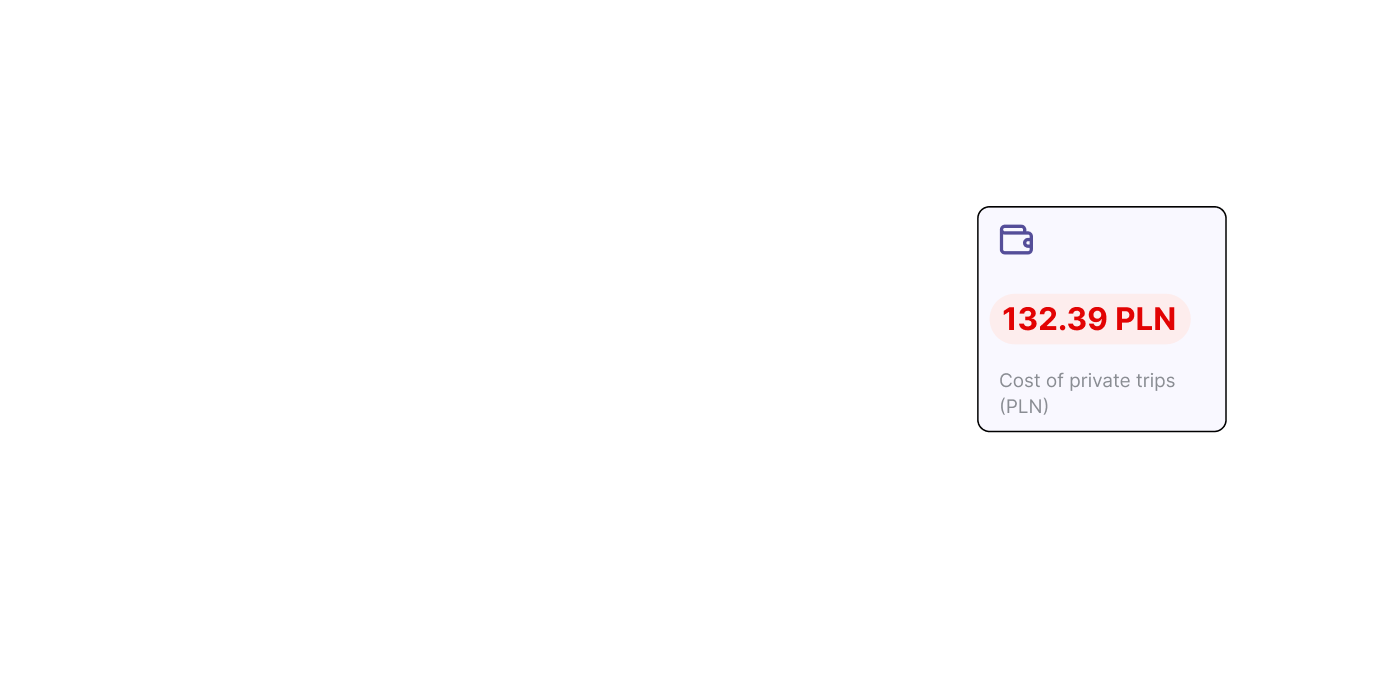
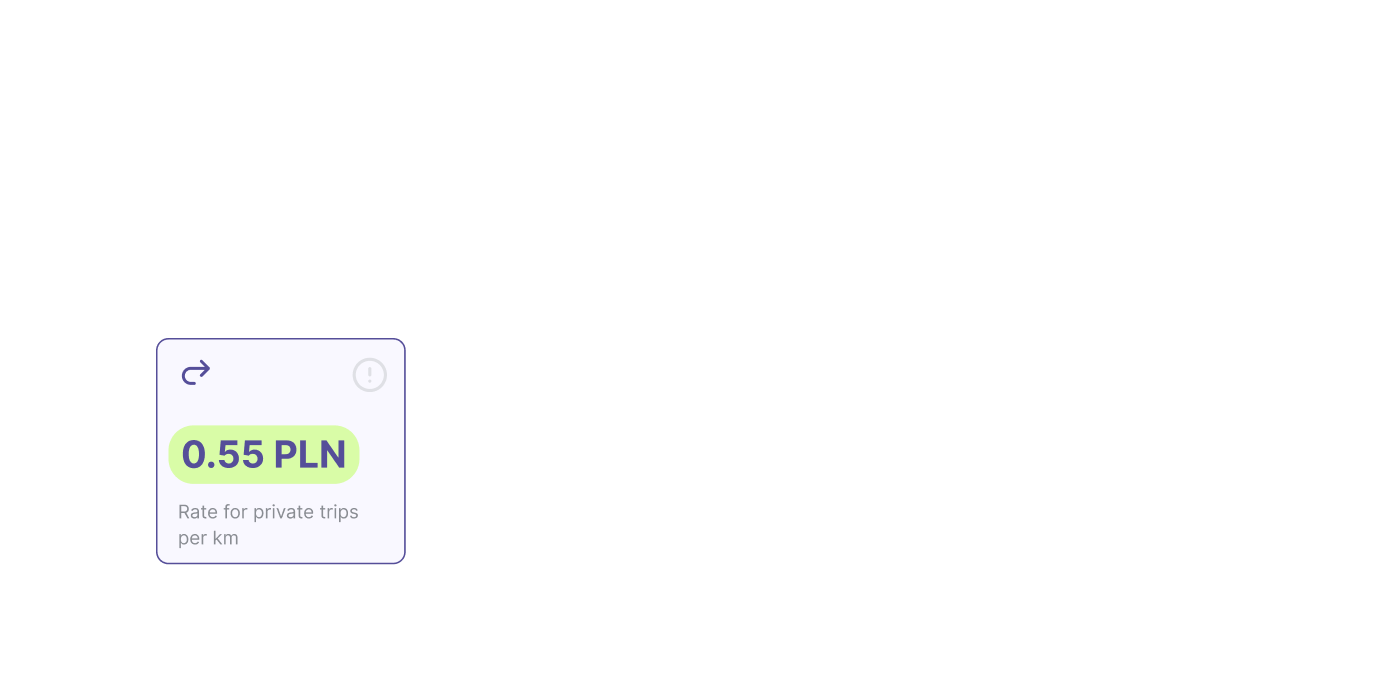

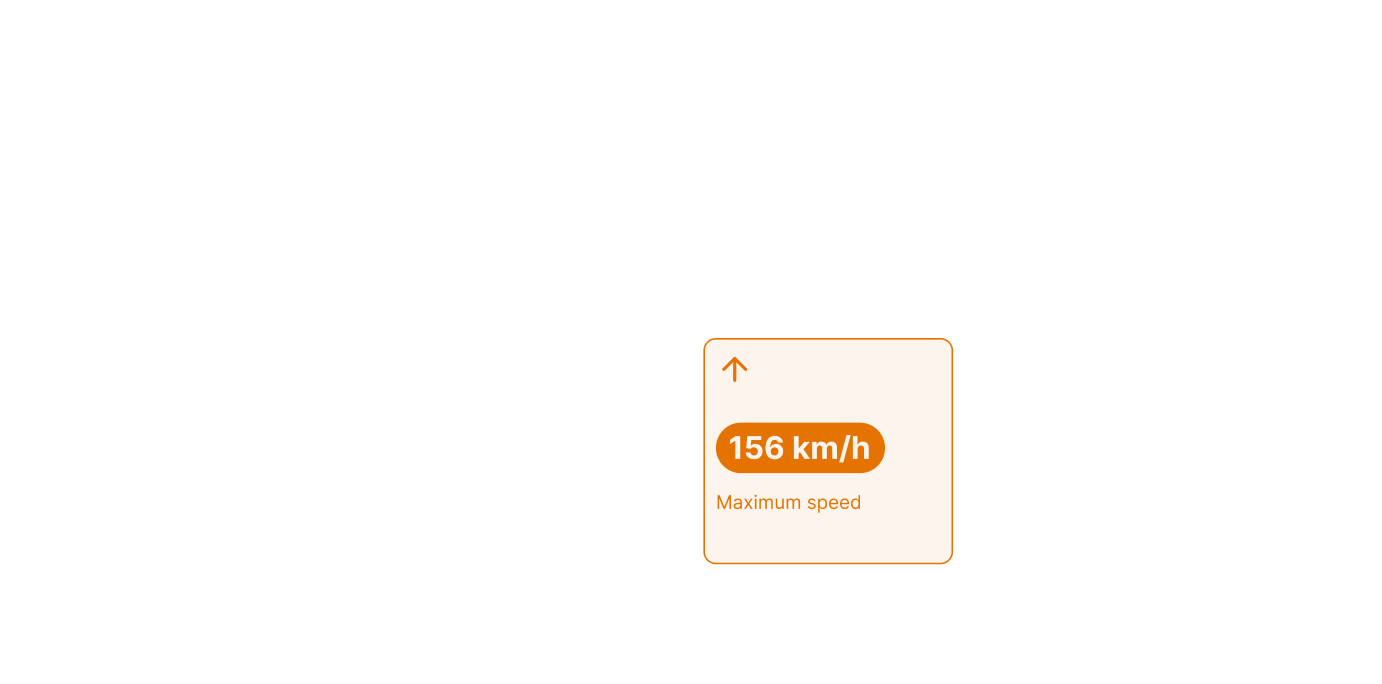

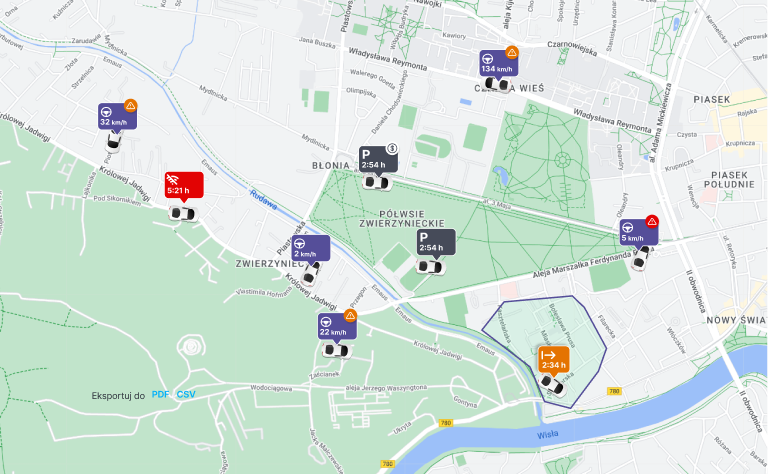
Vehicle position and activity displayed on the map.


Driving events turned into a single score for each driver and for the fleet.
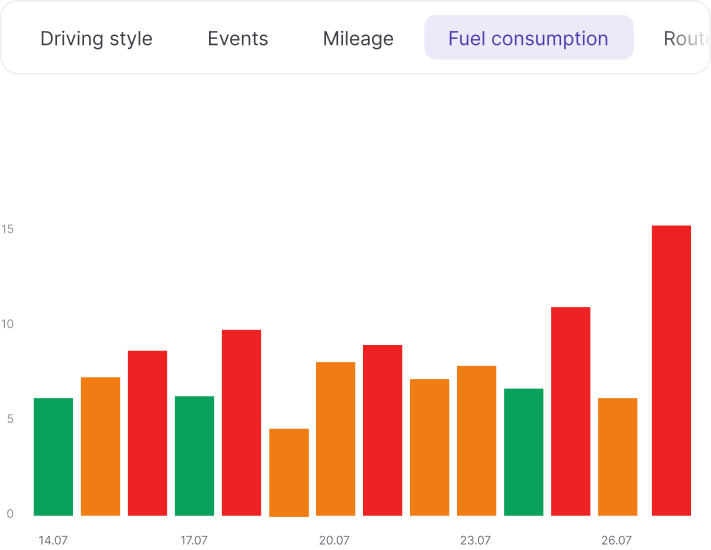
Compare fuel consumption data with mileage, routes and how the vehicle is used. This makes it easier to see where differences in consumption and fuel costs come from.

Custom areas on the map and automatic notifications on entry and exit.


Access key vehicle information from the mobile app.

Route, time, distance and stop information for every recorded trip.

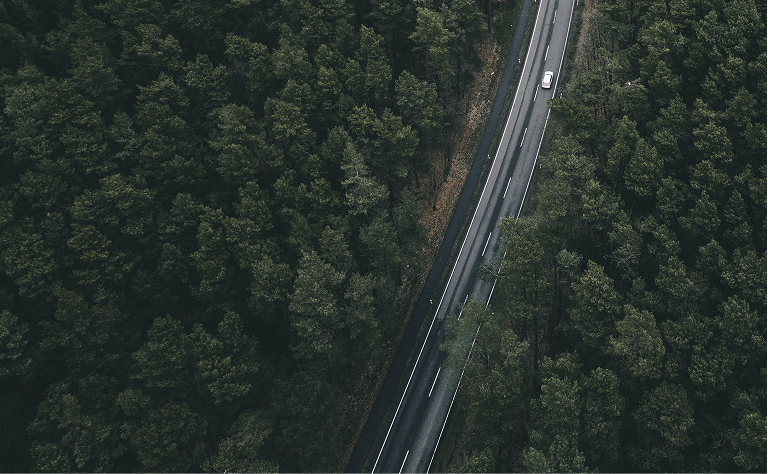
Notifications about vehicle events reach the responsible person at the moment they matter.

Key vehicle activity data presented in a clear, accessible format.
We select the hardware and implementation approach based on vehicle types, fleet size and operating model. This ensures telematics supports day-to-day operations instead of adding complexity.


Choose additional modules, integrations and data sources that match the way your fleet operates.

Automatic separation of business and private trips, with mileage records generated without manual entries.

Driver ranking based on the Safety Score, supporting safe driving programs.

Booking, availability and scheduling for shared vehicles.

Connections to external systems and additional technical data via CAN or OEM integrations.
Key questions about fleet telematics, Fleet Tracker features, devices and implementation.

Fleet Tracker is FleetOnAir's telematics module, which extends Fleet Starter with real-time vehicle location, route history, geofences, alerts, driving style scoring and fuel consumption analysis. Vehicle data is presented on the map, in trip history, alerts and reports — alongside information about vehicles, drivers, documents and deadlines.

Fleet Starter is used to manage vehicles, drivers, documents, deadlines and handovers. Fleet Tracker extends it with GPS tracking, route history, geofences, alerts, driving style scoring (Safe Driving) and fuel consumption analysis (Eco Driving). Fleet Tracker includes the full scope of Fleet Starter — these are not two separate systems, but two levels of the same platform.
Each vehicle included in monitoring requires a source of telematics data. This is usually a GPS device — the type of tracker and the installation method are selected based on the vehicle and the deployment conditions. Extended technical data from the CAN bus and integrations with vehicle manufacturer systems are available in the Integrations and Advanced Data module.
Yes, if the devices are compatible. Fleet Tracker can collect data from trackers already installed in your vehicles, without replacing the hardware. The scope of available data depends on the device model and how it is configured — we verify this during a technical discussion before implementation.
No. Safe Driving and Eco Driving are part of the Fleet Tracker package. Selected modules are charged separately, including dynamic mileage logging, gamification, pool vehicle booking and zone parking.
In Fleet Tracker, fuel consumption is calculated based on route, mileage and recorded refuelling data. Reading fuel consumption directly from the vehicle requires access to the CAN bus or an OEM integration.
Yes. Trips and mileage are recorded from device data, without manual entries by drivers. Trips can be marked as business or private, and data can be exported for selected vehicles and date ranges. Automatic separation of business and private trips without driver input is available in the Dynamic Mileage Logging module.
Fleet Tracker allows you to manage access to data and to separate business and private trips. The organization using the system is responsible for defining the purpose and legal basis for processing, informing drivers, and setting the rules for data access and retention.
Fleet Tracker includes the full scope of Fleet Starter plus GPS tracking, Safe Driving and Eco Driving. Selected additional modules and extended CAN bus data are priced separately. You'll find details on pricing and available options in the pricing section. For larger fleets we prepare an individual quote that takes into account fleet size, implementation scope and integrations.
We’ll review your processes and show which combination of telematics, hardware and vehicle data best fits your organization’s needs.


